
How Many Power Points Does a New Home Need?

Most 3 to 4-bedroom homes need somewhere between 40 and 70 double power points. That might sound like a lot at first, but it starts to make sense when you think about how a home is actually used each day.
You charge your phone beside the bed. You plug in a hair dryer in the bathroom. You use the toaster, kettle, coffee machine and air fryer in the kitchen. You need power for TVs, lamps, laptops, vacuum cleaners, gaming consoles, Wi-Fi equipment, outdoor tools and Christmas lights. These are the small details that are easy to overlook during a build or renovation, but they make a big difference once you move in.
There is no fixed number that suits every home. How many power points you need depends on your layout, how many people live there, your usage patterns, and whether you are planning for today or the next 10 to 15 years.
Power points are not just a convenience; they are a core part of your home’s electrical system, and getting the number wrong can create problems that are expensive to fix later. What many builders include is often close to the minimum required by the Australian Standard, and the minimum is rarely enough for how modern families actually live.
Key Factors That Decide How Many Power Points You Need
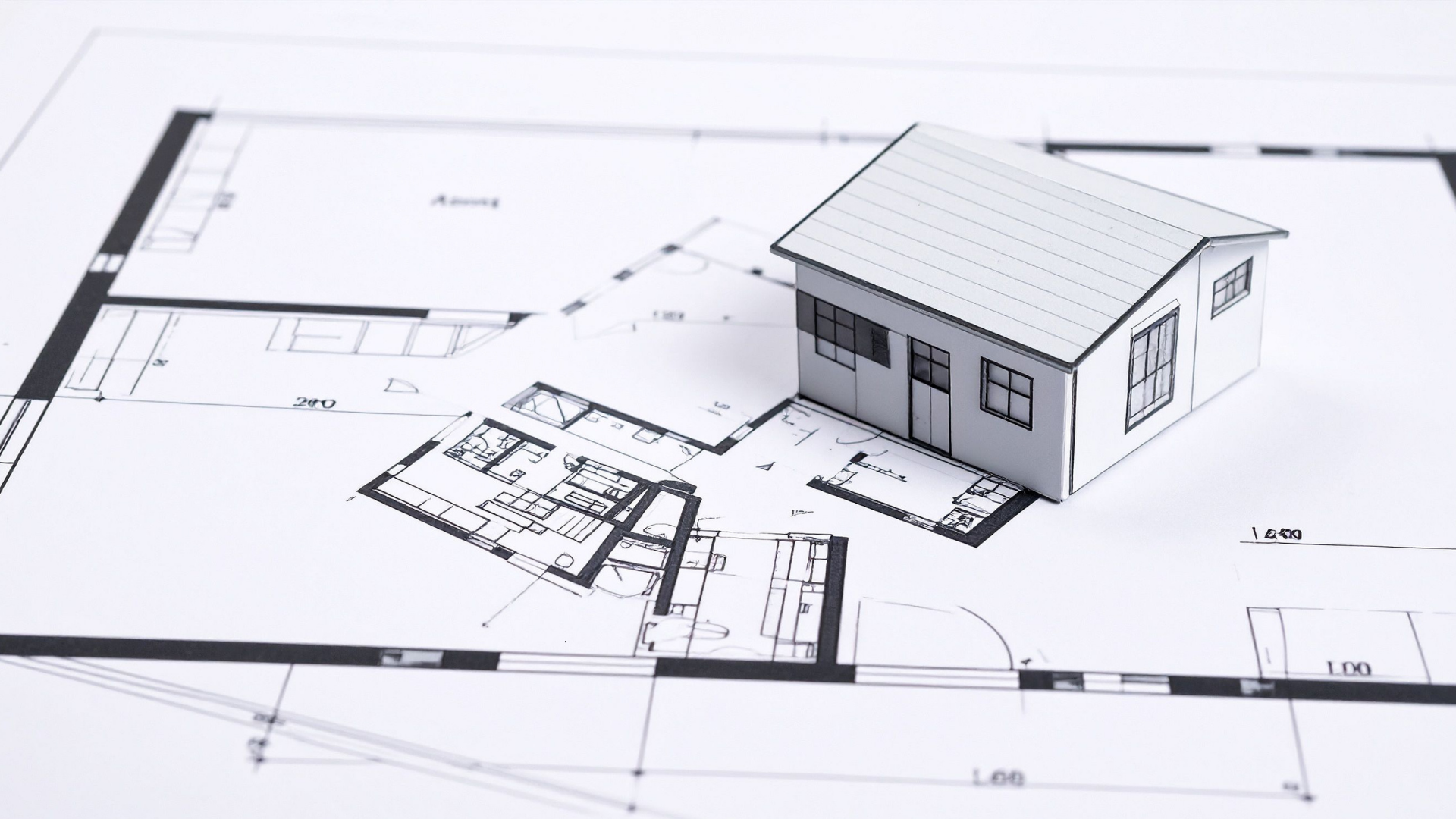
Before going room by room, think through these key factors:
- Number of bedrooms and occupants — more people means multiple devices charging at once
- Open-plan vs. segmented layout — larger spaces need power points on multiple walls
- Home offices — a dedicated workspace changes your electrical demands significantly
- Appliance-heavy areas — kitchens and laundries need dedicated circuits on top of general outlets
- Smart home technology — smart devices, smart home systems, and security systems all need power
- Outdoor spaces — BBQ area, outdoor fridge, outdoor lighting, and garden tools
- Garage or workshop — power tools, battery chargers, a second fridge, possibly an EV
Room-by-Room Power Point Planning Guide
Use this as a starting point for planning power points in your new home. These are practical ranges, not legal minimums. Go through your floor plan with a licensed electrician before lock-in.
Living Room / Family Room — 6 to 8 Power Points
The living room carries the most electrical load of any room. TV, entertainment systems, sound systems, gaming consoles, lamps, phone chargers. Add a vacuum charging dock and seasonal lights, and it adds up fast.
Poor placement is one of the most common mistakes in this room. Don't cluster everything behind the entertainment unit. Well-placed power points across two or three walls mean you're not running extension cords across the floor to reach the couch or the corner lamp. Think about where gaming consoles sit, where sound systems live, and where people actually charge their phones in the evening.
If you're planning built-in joinery or a media wall, your licensed electrician needs to know before the cabinetry goes in.
Kitchen — 8 to 12 Outlets Including Dedicated Circuits
The kitchen has the highest electrical demands of any room in the house, and proper planning makes all the difference.
Dedicated circuits are not the same as general-use power points. Your fridge, dishwasher, oven, and rangehood each need their own dedicated circuits, and those don’t count toward your benchtop outlets.
For general benchtop use, plan for 4 to 6 electrical power points across the bench run. Two more on the island, if you have one, and at least one inside a walk-in pantry. A dedicated charging station for phones and tablets keeps the bench clear and reduces reliance on power boards.
Coffee machines, kettles, toasters, microwaves, air fryers, and stand mixers. Most kitchens run five or six modern appliances at once without much thought.
Master Bedroom — 4 to 6 Power Points
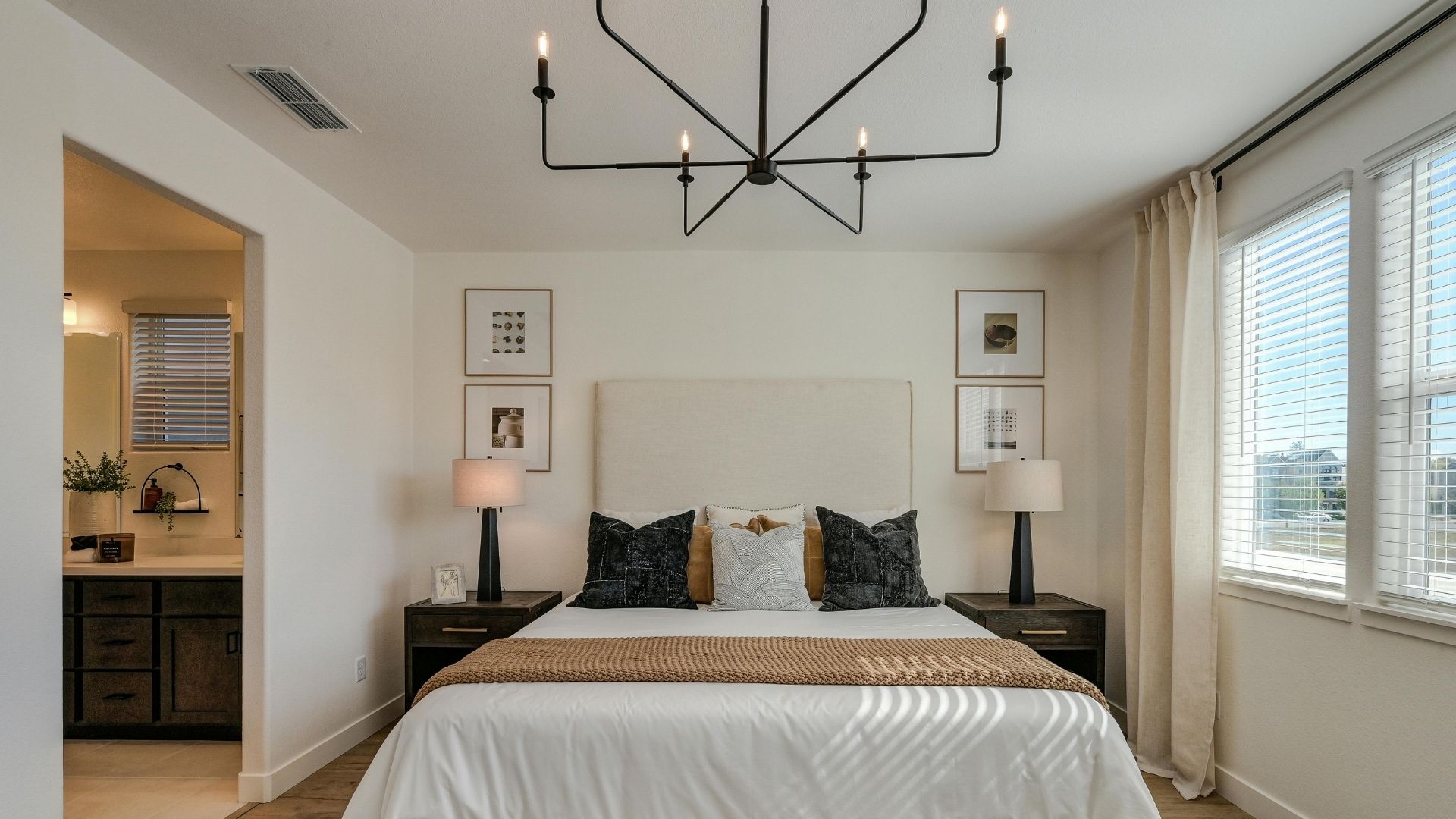
Both sides of the bed need their own outlet. Bedside lamps, phone chargers, alarm clocks. That's two doubles before you've added anything else.
Add outlets for a TV, laptop, electric blankets, or a heater. If the master has a walk-in wardrobe, put one outlet in there too. Hair dryers and straighteners need somewhere to plug in, and the en-suite has placement restrictions covered below.
Spare Bedrooms and Kids’ Rooms — 3 to 4 Power Points
Kids’ rooms become study spaces, gaming setups, and home offices for teenagers faster than most parents expect. Plan for at least 2 outlets on different walls and a third near any likely desk position. Put that desk outlet at bench height, not floor level.
Future-proof these rooms now. Adding more power points after the walls are done is disruptive and costly.
Home Offices — 6 to 8 Power Points
Home offices are among the most in-demand spaces in a modern home. The electrical demands of home offices have grown significantly as more people work remotely full-time.
Treat home offices as small workspaces. Outlets behind the desk for monitors, a laptop dock, a printer, and speakers. A separate outlet for desk lighting. One near the door for a modem or network switch. USB power points are worth adding here to reduce reliance on bulky charging adapters.
Planning power points in home offices around both current and future needs saves costly upgrades later. A standing desk, a second monitor, and a docking station all become normal over time.
Bathrooms and En-suites — 1 to 2 Compliant Outlets
This is one area where power point placement is governed strictly by the Wiring Rules. Outlets must be placed a safe distance from water sources. Wet area zoning means exact positioning is not guesswork; it needs to be confirmed and signed off by a licensed electrician.
Using standard outlets in wet areas without complying with placement rules is one of the more serious electrical safety risks in a new build. Don’t cut corners here.
One outlet near the vanity for a hair dryer or electric toothbrush is typical. Your licensed professional handles the rest.
Laundry — 3 to 4 Power Points
Install the washing machine and dryer on separate circuits where possible. Running both at once on the same circuit can trip circuit breakers. Add outlets for an iron, a stick vacuum charging station, and a spare for utility use.
Overloaded circuits in laundries are a common issue in homes where planning power points was an afterthought, but you can avoid it with proper planning.
If the laundry shares a wall with the garage, ask your electrician to run conduit through while the wall is open. It costs very little during the build and will save you later.
Garage — 4 to 6 Power Points
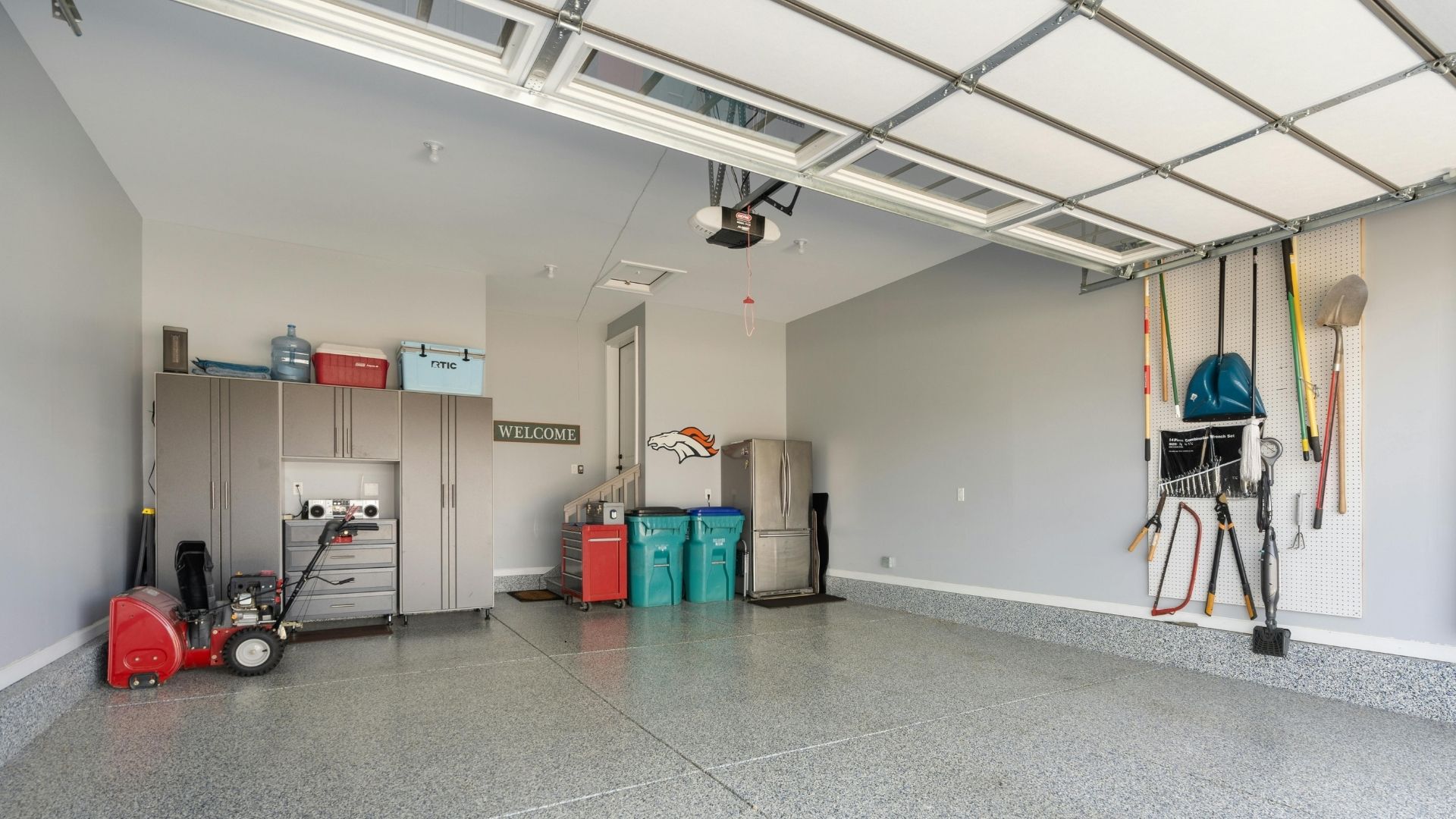
Garages are the most underplanned space in a new home. Garage door motor, power tools, workbench lighting, battery chargers, and a second fridge. It fills up fast, and there’s rarely an easy fix once the walls are done.
Multiple outlets across at least two walls are worth planning for. If an EV is on the cards at any point, mention it to your licensed electrician now. A home EV charger needs a dedicated circuit and specific switchboard capacity. Roughing in the conduit during the build is a fraction of the retrofit cost.
Outdoor Areas — 4 to 6 Weatherproof Power Points
BBQ area, outdoor fridge, outdoor lighting, a pressure washer, garden tools. Most people don’t think about outdoor areas until they’re running extension cords through a window.
Weatherproof power points for outdoor use must have a minimum IP33 rating and be installed at least 300mm above ground level. Two outlets in the main entertaining area, one to two along the side of the house, and one near the front for Christmas lights or garden tools is a reasonable baseline.
Outdoor outlets must be installed correctly; this is not a job for guesswork.
Power Point Planning Guide by Home Size
| Home Size | Approximate Power Points (excluding dedicated circuits) |
| 2-bedroom home | 30 to 40 power points |
| 3-bedroom home | 40 to 55 power points |
| 4-bedroom family home | 55 to 70+ power points |
These are estimates. Your number depends on your floor plan, usage patterns, and how many dedicated circuits your appliances require. A licensed electrician can confirm the right number for your specific build.
Minimum and Practical Are Not the Same Thing
The AS/NZS 3000:2018 Wiring Rules set minimum requirements for new homes. Builders meet those minimums. Inspectors check them. But nobody checks whether you'll have enough power points for how you actually live. Only you can anticipate that with careful, realistic forethought.
A bedroom technically passes with one double power point. A kitchen can pass with very few benchtop outlets. Compliant on paper but frustrating in practice and an expensive retrofit.
Too few outlets lead directly to power boards, extension cords, and overloaded circuits and all three are safety risks. Overloaded power boards and extension cords running across floors are among the most common causes of electrical hazards in the home. Proper planning at the build stage costs far less than dealing with insufficient outlets after handover.
Common Mistakes When Planning Power Points
Common mistakes in power point installation include:
- Outlets on one wall only, forcing extension cords across rooms
- Poor placement behind planned furniture, making outlets unusable
- Underestimating kitchen and home office electrical demands
- No outdoor areas or garage outlets on the plan
- Treating overloaded power boards as a permanent solution
- Not future-proofing for smart home devices, home offices, or an EV
Relying on power boards and extension cords is not adequate power point planning. It’s a sign the home’s electrical setup fell short from the start. Too many devices running off a single circuit through a power board is both a safety hazard and a daily inconvenience.
What NSW Homeowners Need to Know About Electrical Safety
Electrical wiring work in NSW must comply with AS/NZS 3000:2018, also known as the Wiring Rules. These rules require safety switches, or RCDs, for all domestic and residential final sub-circuits. Electrical wiring work must also be carried out by a licensed electrician. That includes power point installation, not just switchboard work.
When the work is complete, your electrician must provide a Certificate of Compliance for Electrical Work, or CCEW. This confirms the electrical work has been tested and complies with the relevant NSW legislation, regulations and Australian Standards. It may also be useful for warranty, insurance, future sales, or compliance records. Ask for it upfront.
Ignoring electrical safety standards in wet areas, outdoor spaces, or by overloading circuits with too many devices on a single circuit creates real safety risks. A licensed electrician ensures your home’s electrical system is safe, compliant, and documented properly.
Is It Worth Adding Extra Power Points During the Build?
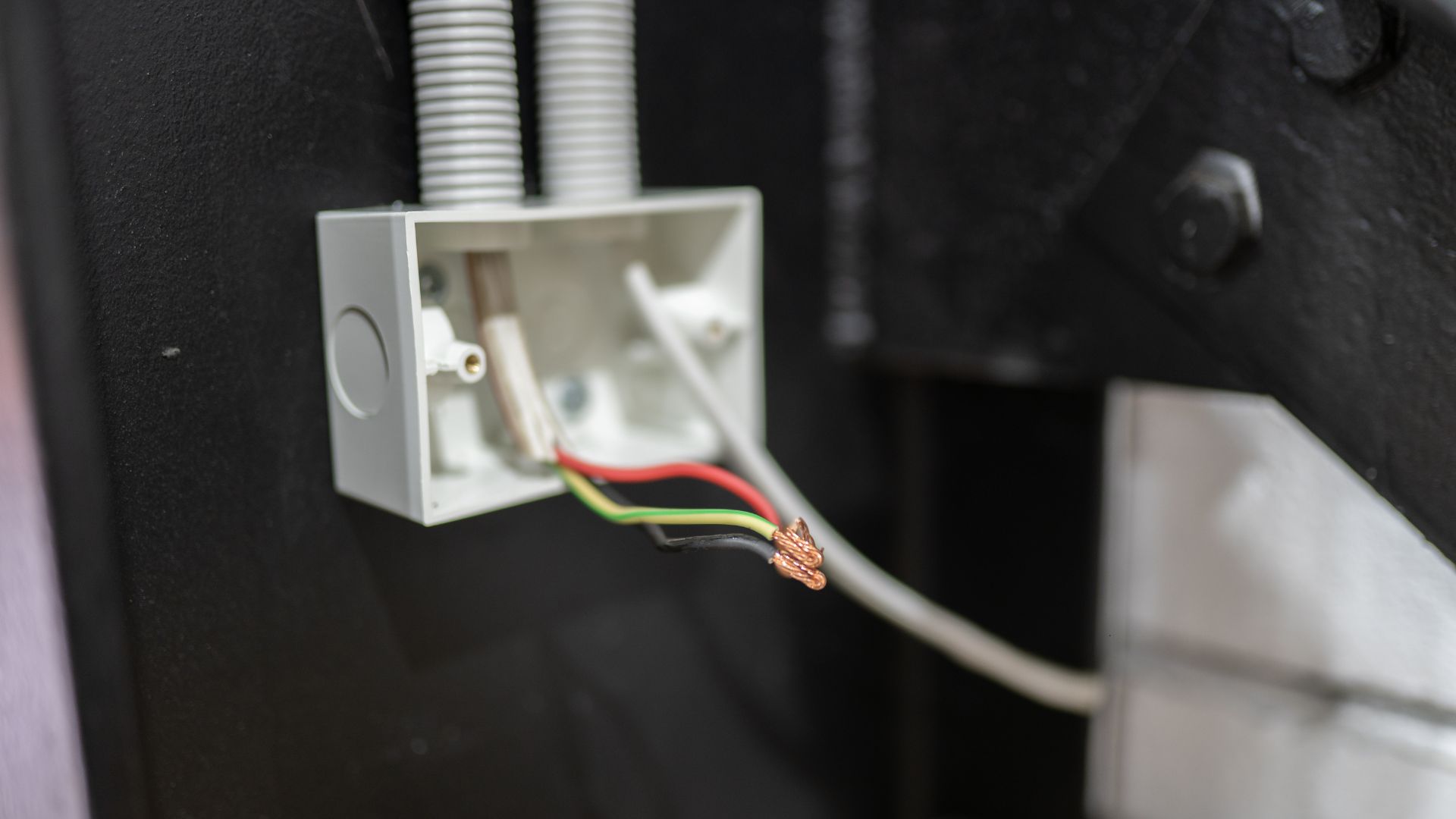
Yes. Every time.
Adding extra outlets during construction is straightforward. Before plastering, a licensed professional can run cable and adjust power point layout with minimal disruption. After lockup, the same work means cutting walls, fishing cable through insulation, and patching plasterboard. The cost difference is significant, and so is the disruption.
If you’re on the fence about an outlet, add it. Extra power points cost far less during a build than after handover.
New Home Power Point Checklist
- Walk through each room with your furniture layout in mind
- List every plug-in appliance per room, including all phone chargers and smart devices
- Identify dedicated circuits separately: fridge, dishwasher, rangehood, dryer, oven
- Think through current use and future needs
- Review wet areas and outdoor spaces with your electrician
- Confirm your power point layout before plastering, not after
Planning Power Points in Your New Wollongong Home?
Getting your power point installation right before the walls go in is one of the smartest decisions you can make during a build. It future-proofs your home’s electrical setup, avoids costly upgrades down the track, and means you won’t be living with extension cords and overloaded power boards from day one.
A good time to plan your power points is before construction starts. Think about your bedroom layout, the furniture and appliances you own, and how each space in the new build will be used. This will help you work out where power points should go and how many you need in each room.
Easther Electrical works with homeowners across Wollongong on new build electrical planning, power point installation, and renovations. Speak with a licensed Wollongong electrician about your power point layout before the build starts.
FAQs
How many power points does a new home need overall? Most new homes need between 30 and 70+ power points depending on size. A 3-bedroom home typically needs 40 to 55, not counting dedicated circuits for fixed appliances.
How many power points should a bedroom have? At least 4 double power points in a master — outlets both sides of the bed for alarm clocks, lamps and phone chargers, plus extras for a TV or desk. Secondary bedrooms need at least 3, ideally 4.
How many power points should I allow for in a kitchen? Plan for 8 to 12 outlets in total, including dedicated circuits. For benchtop use alone, 4 to 6 electrical power points is a practical minimum.
Can I add more power points after the house is built? Yes, but it costs significantly more than planning them into the build. Retrofitting means cutting into finished walls, which adds time, cost, and mess. Adequate power points from the start avoids all of that.
Do bathrooms have rules for power point placement in NSW? Yes. The Wiring Rules govern outlet locations in wet areas. A licensed electrician will ensure placement is compliant and safe.
Is a double power point enough in most rooms? In low-use areas, possibly. But in living rooms, kitchens, home offices, and bedrooms, multiple power points across different walls is the practical standard for modern homes.
Should I install USB power points in a new home? A few USB power points in key spots, beside beds, at the kitchen bench, in home offices, are worth considering. Just don't wire the whole house with them.